The 7 Stages of Codebase Grief (And How to Escape Them)
Vishnu Kainadan
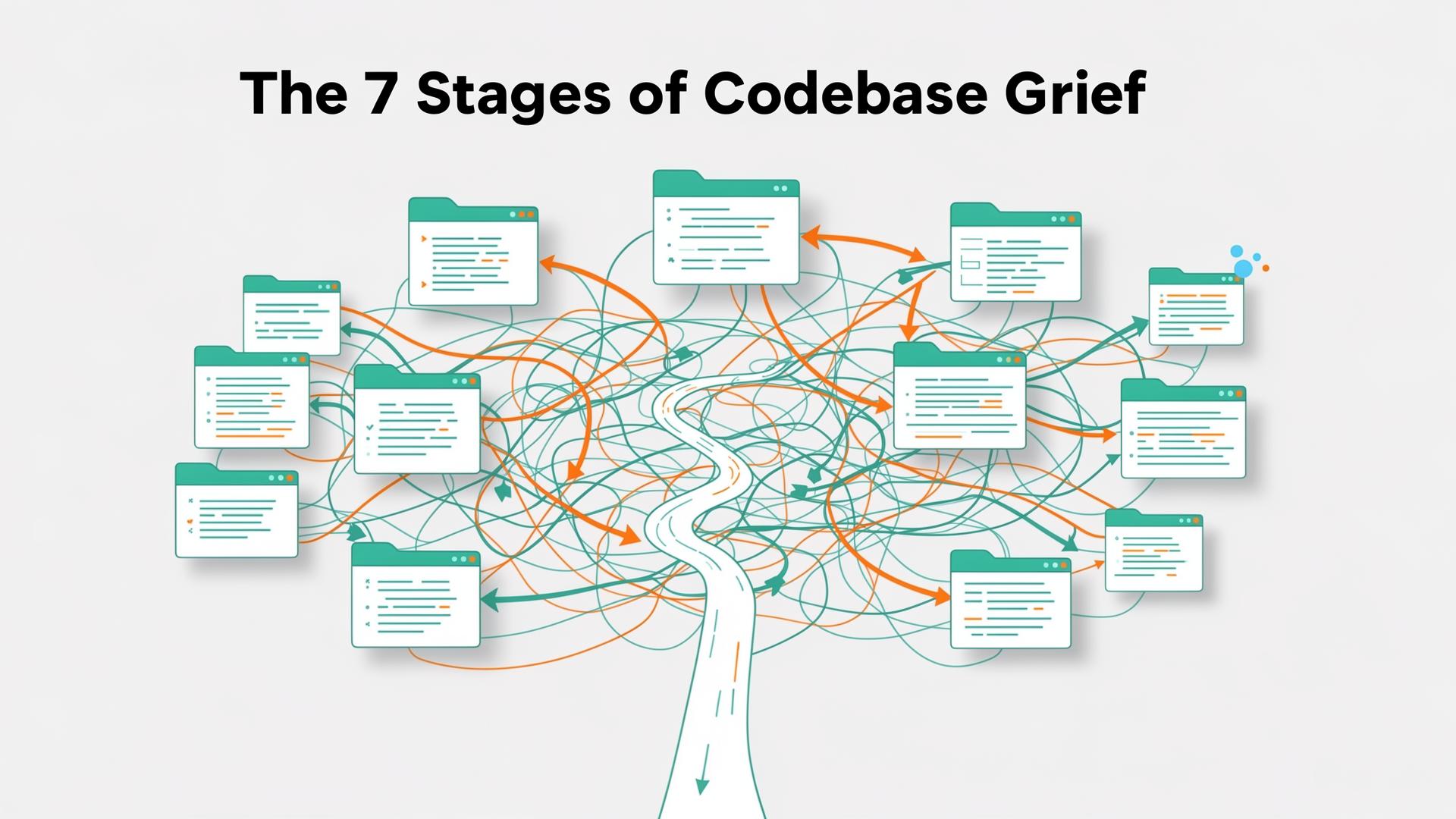
Every developer has a moment. You open a new repo. You look at the folder structure. Your brain — a device that has previously handled calculus, distributed systems, and explaining why the build is broken — quietly whispers: "I quit."
This is not a skill issue. This is a visibility issue. And until recently, the industry's solution was: good luck, please read 4,000 files.
First, Let's Talk About the Folder
You know the one.
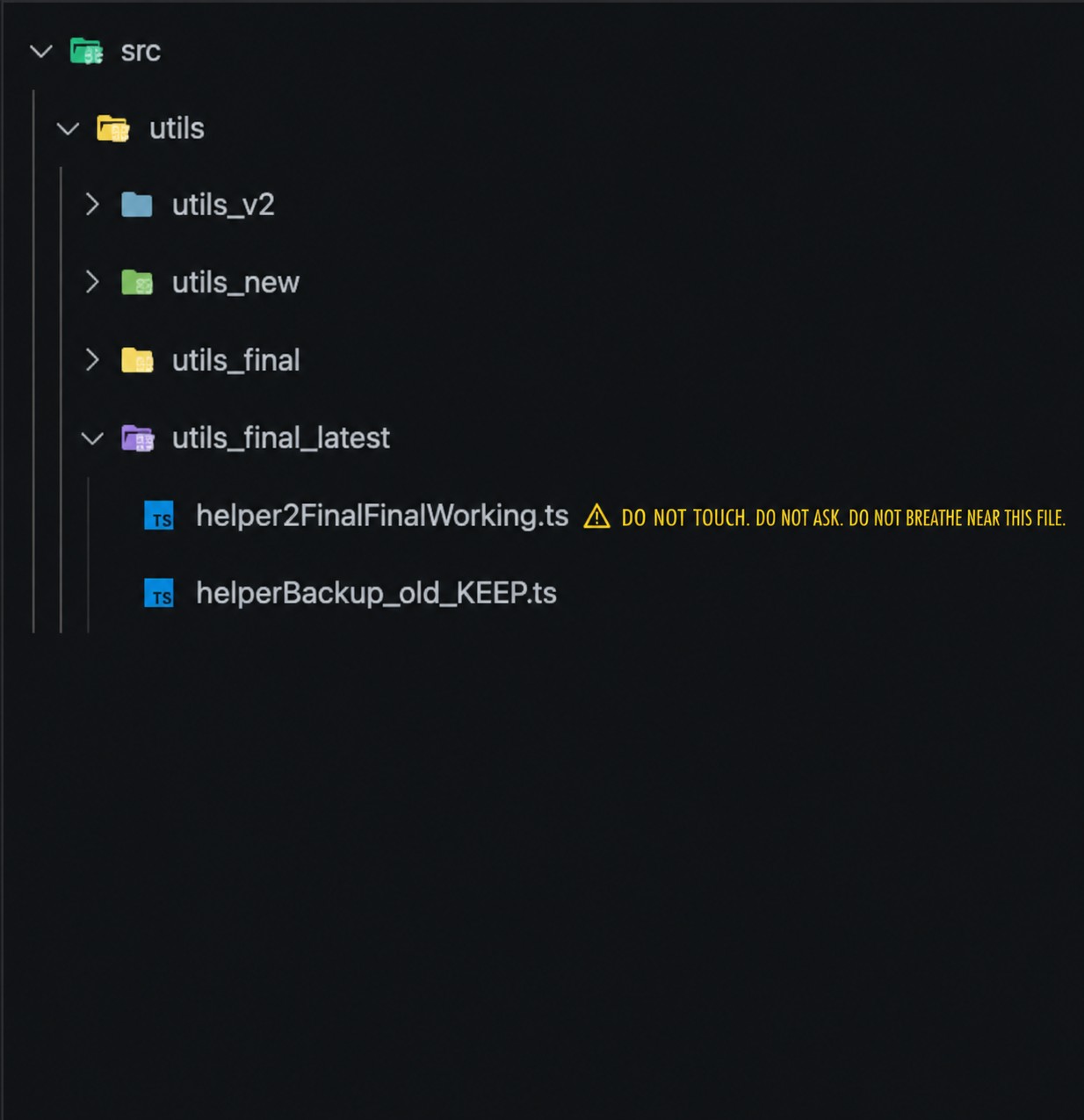
Nobody wrote this. It evolved, like bacteria, or a Jira board. And somewhere inside that helper2FinalFinalWorking.ts, there are 12 lines of code holding your entire production system together, written by someone who left the company 14 months ago and is now "doing something with blockchain."
You close the file. You will never speak of this again.
The 7 Stages of Codebase Grief
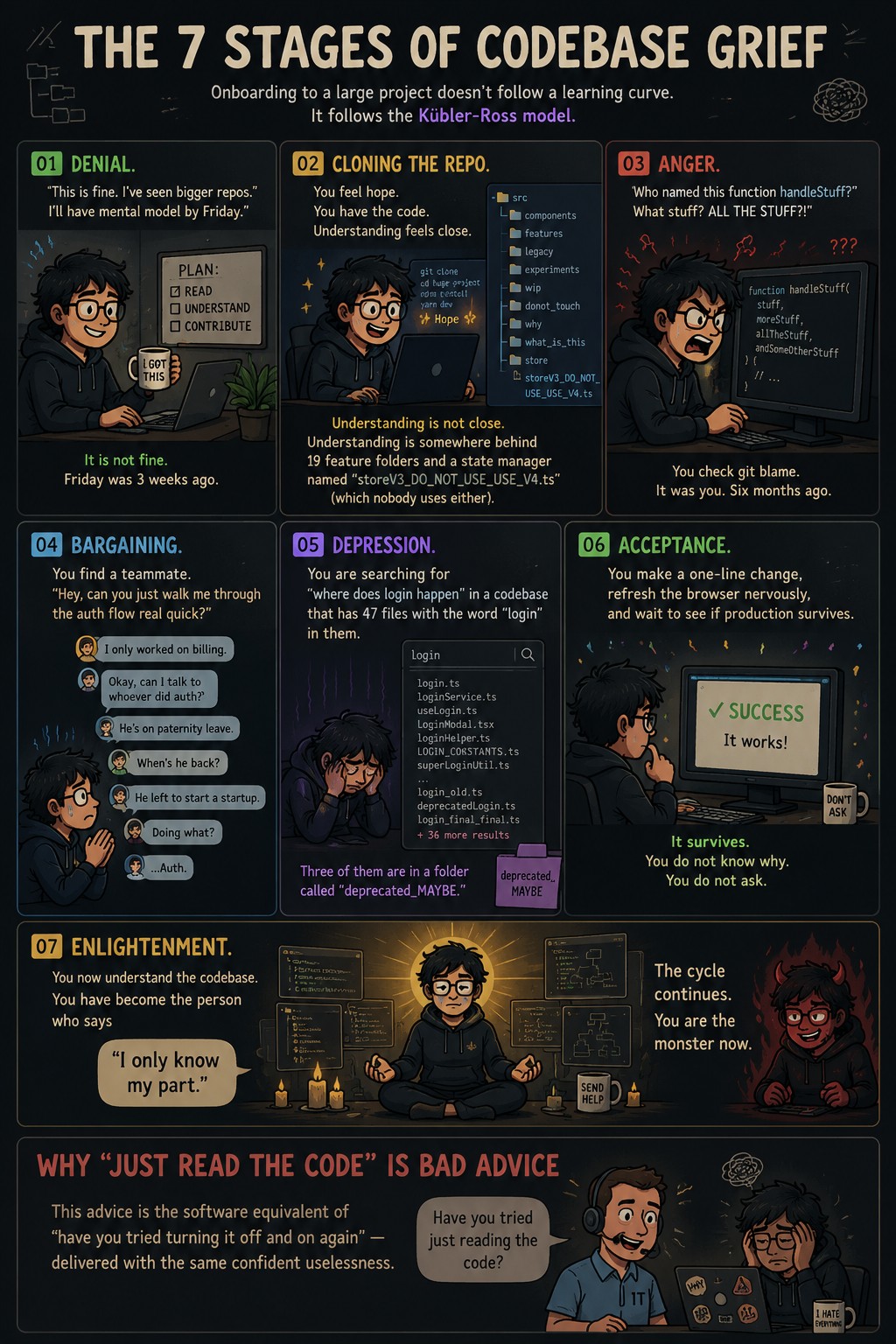
Onboarding to a large project doesn't follow a learning curve. It follows the Kübler-Ross model.
01 — Denial
"This is fine. I've seen bigger repos. I'll have a mental model by Friday."
It is not fine. Friday was 3 weeks ago.
02 — Cloning the Repo
You feel hope. You have the code. Understanding feels close.
Understanding is not close. Understanding is somewhere behind 19 feature folders and a state manager named storeV3_DO_NOT_USE_USE_V4.ts (which nobody uses either).
03 — Anger
"Who named this function handleStuff? What stuff? ALL THE STUFF?!"
You check git blame. It was you. Six months ago.
04 — Bargaining
You find a teammate. "Hey, can you just walk me through the auth flow real quick?"
They only worked on billing. The person who did auth left to start a startup. Doing what? …Auth.
05 — Depression
You are searching for "where does login happen" in a codebase that has 47 files with the word "login" in them.
Three of them are in a folder called deprecated_MAYBE.
06 — Acceptance
You make a one-line change, refresh the browser nervously, and wait to see if production survives.
It survives. You do not know why. You do not ask.
07 — Enlightenment
You now understand the codebase. You have become the person who says:
"I only know my part."
The cycle continues. You are the monster now.
Why "Just Read the Code" Is Bad Advice
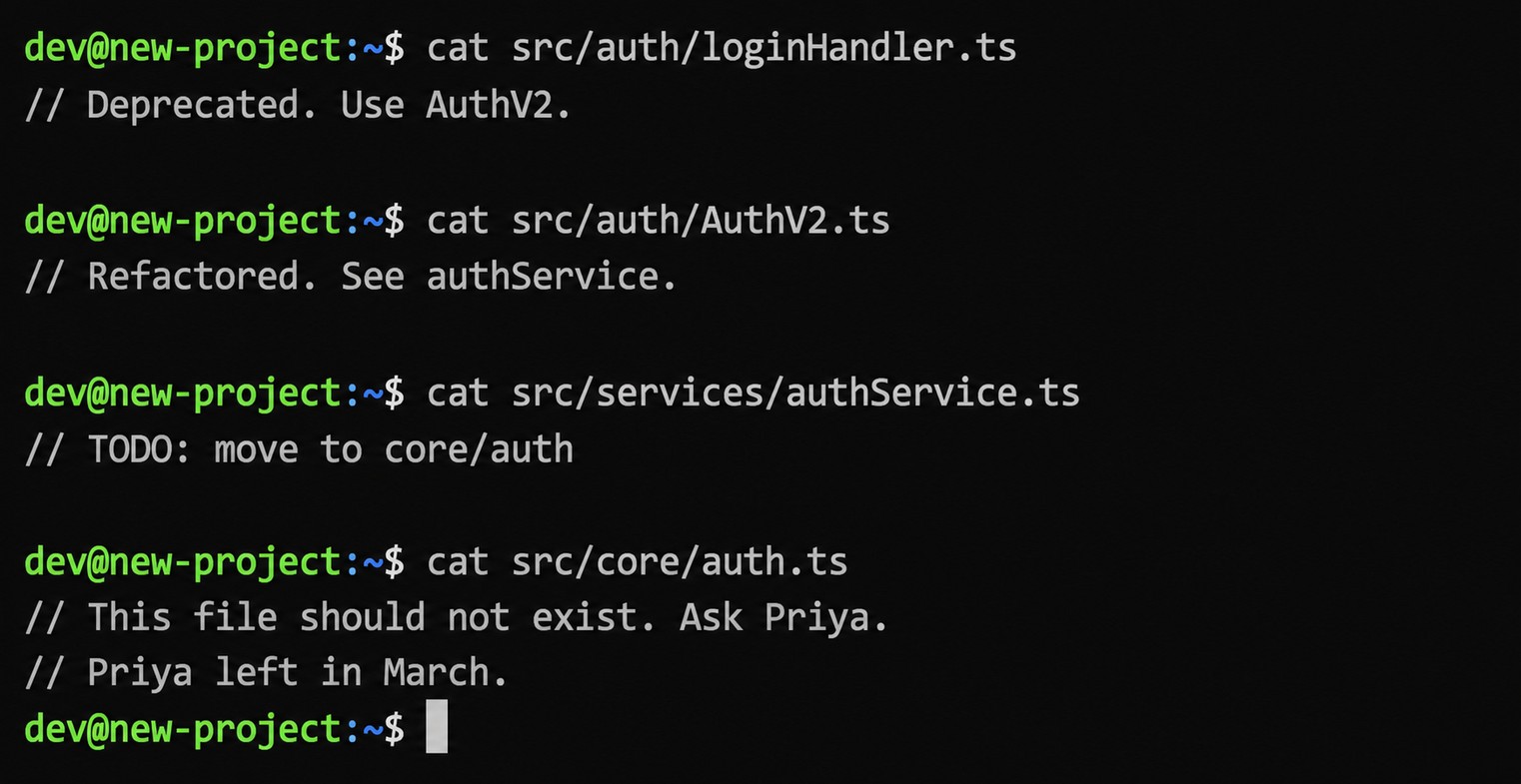
This advice is the software equivalent of "have you tried turning it off and on again" — except worse, because at least the reboot has a defined end state.
Modern codebases are not a book you read front to back. They are a city. And reading random files is like trying to understand Mumbai by visiting buildings in alphabetical order. You'll eventually enter a mall, a hospital, a film set, and someone's apartment before you find a road.
This is not a reading problem. This is a navigation problem.
The FLOW Framework (Or: Stop Panicking Scientifically)
Before reaching for any tool, here's the mindset shift that actually helps. Stop reading files. Start following execution.
- F — Find the Entry Point. Where does this disaster actually begin? A route, an event listener, a bootstrap function. This is your North Star. Everything else is downstream.
- L — Locate One Real Feature. Not "the architecture." The login button. The checkout flow. One concrete, boring, real thing a user actually touches.
- O — Observe Dependencies. Follow what the feature drags in with it. Every hook, service, utility, API. You will meet 17 unexpected helpers. This is normal.
- W — Walk End-to-End. Yes, including into the file that says "DO NOT TOUCH." That's where the truth lives. Walk the whole path: UI → handler → service → database → response → existential dread → understanding.
Do this once, with one feature, and you'll understand more than three days of random file reading would give you.
Enter Windsurf CodeMaps
Here's the uncomfortable truth the whole industry has been dancing around: AI coding tools have gotten excellent at writing code. Understanding existing code? That's been the unsolved problem sitting in the corner, quietly knocking things over.
Copilot autocompletes. Chat agents answer questions. But neither one stops you from spending two hours in the wrong file because nobody told you the actual execution path lives in core/legacy/auth_rewrite_v3.ts.
"Your code is your understanding of the problem you're exploring. So it's only when you have your code in your head that you really understand the problem."
— Paul Graham, being annoyingly correct about something that hurts to hear
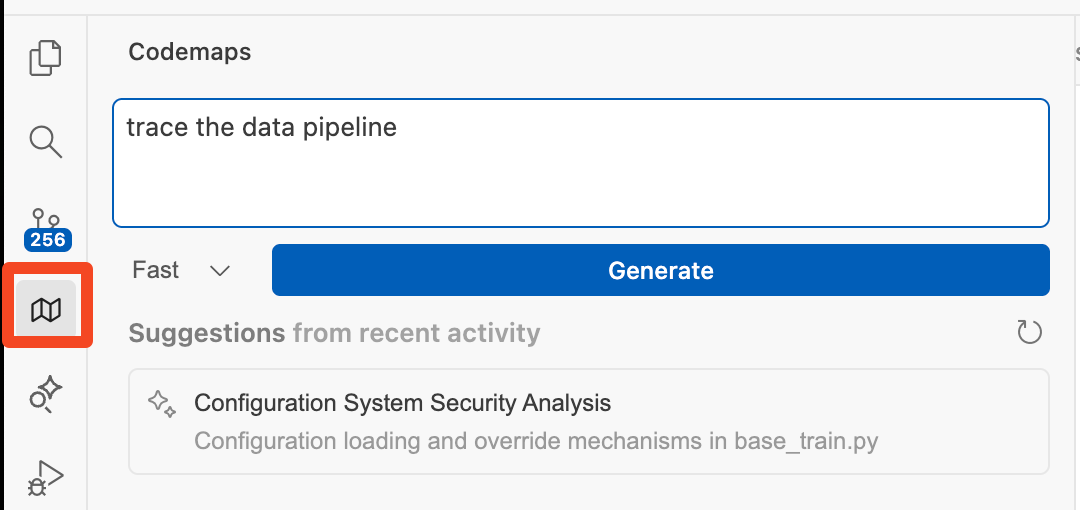
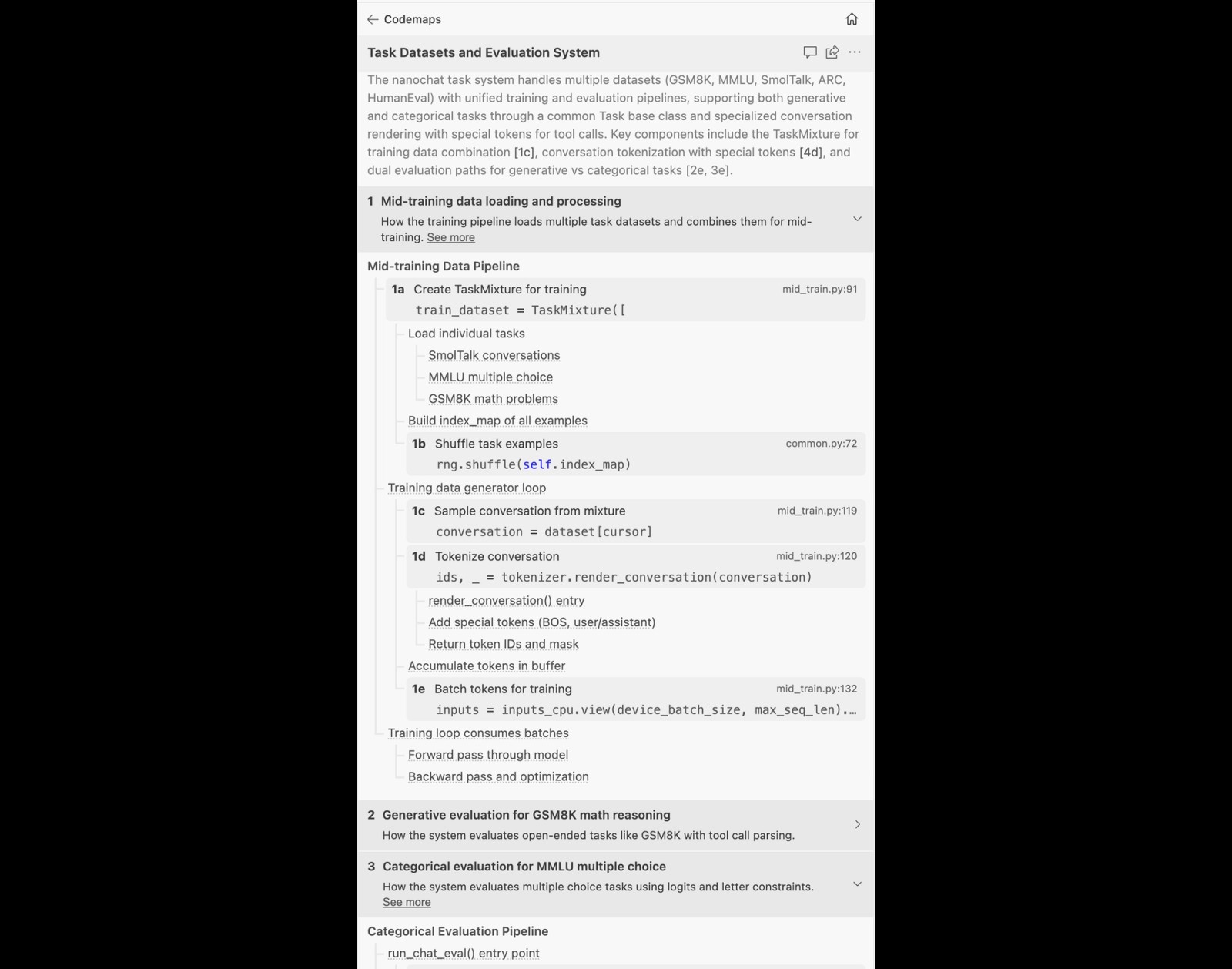
Windsurf CodeMaps — built on SWE-1.5 and Sonnet — does something different. You describe the task you're trying to do. It maps the actual code paths, modules, and dependencies that matter for that specific task. Not the whole repo. Not the architecture in theory. The thing you are actually trying to understand, right now, today.
Without CodeMaps vs. With CodeMaps
Without CodeMaps:
- Search "submit." Get 340 results.
- Open 12 files. Understand 2.
- Ask a teammate who "only knows billing."
- Make change. Refresh nervously.
- It worked. You don't know why.
With CodeMaps:
- Describe what you're trying to do.
- See the execution path, grouped and linked.
- Navigate directly to the exact lines that matter.
- Make change. Know why it works.
- Ship with confidence. Terrifying, I know.
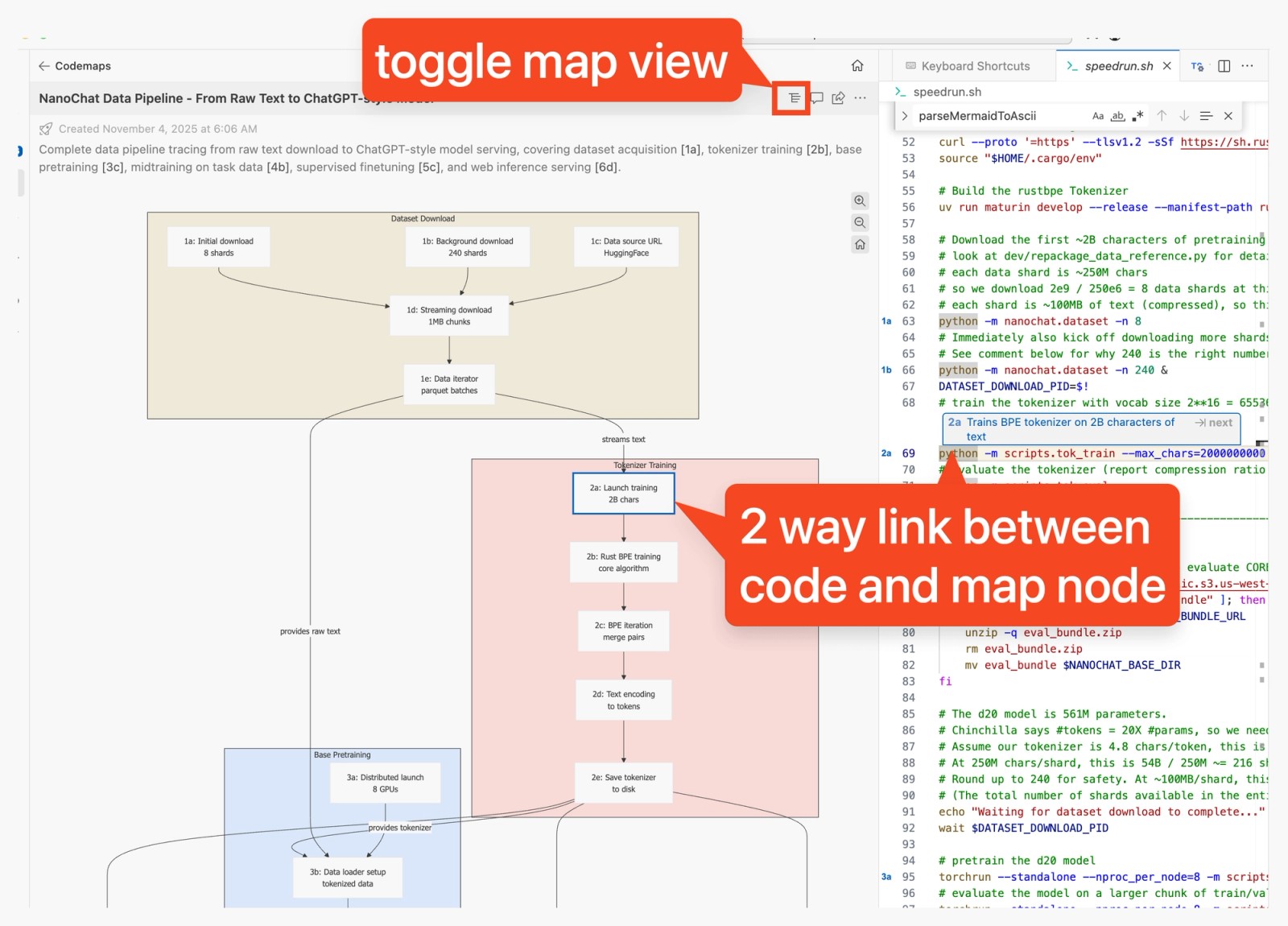
And yes — you can drop a @codemap reference directly into Cascade, so the agent actually has structural context instead of vibes and prayers.
The Real Enemy Is Not Complexity. It's Missing Context.
Two developers. Same repo. Same codebase. Same salary.
Developer A can trace any feature. They know where logic lives. They ship with intention. PRs are clean. They look dangerously competent in architecture meetings.
Developer B is searching for "where does user state get set" in their ninth consecutive tab. They've opened the same file four times without realizing it. Their last PR had three "why is this here?" comments. They have renamed a folder twice this week to feel in control of something.
The difference is not intelligence. It is not experience. It is whether they can see how the system connects instead of guessing through it one file at a time.
Code comprehension is a force multiplier. A developer who understands architecture ships faster, introduces fewer regressions, debugs quicker, and reviews PRs without just typing "LGTM" and hoping for the best. Visibility is not a nice-to-have. It is the entire ballgame.
The Actual Takeaway
The codebase is not the problem. The fragmented, file-at-a-time, spiritually-guessing navigation experience is the problem.
The next time you open a new repo and feel the cold dread of 19 feature folders and one file named helper2FinalFinalWorking.ts — resist the urge to read everything. Follow one feature. Walk the whole flow. Use a tool that shows you connections, not just files.
Every codebase makes sense eventually. Some just require better navigation to get there before you've emotionally detached from the entire profession. Windsurf CodeMaps won't fix your utils_final_latest folder. Nothing can. But it will get you to understanding significantly faster than 47 open tabs and a prayer.
And honestly? That's enough. That's everything.